Some Challenges
Multiple Decision-Makers: Some projects involved a lengthy approval process, which extended delivery timelines. However, this also provided an opportunity to refine the content further, ensuring that every stakeholder’s perspective was considered, ultimately leading to a more polished final product.
Strict Brand Guidelines: Working with a muted gray color palette and a fixed illustration style created a distinct creative challenge. To keep the visuals engaging, I focused on dynamic animation and carefully designed transitions.
Corporate Environment: At times, problem-solving required creative workarounds. For example, when access to external vendors wasn’t available, I successfully organized on-site voiceover recordings, ensuring the project stayed on track without compromising quality.
Tools
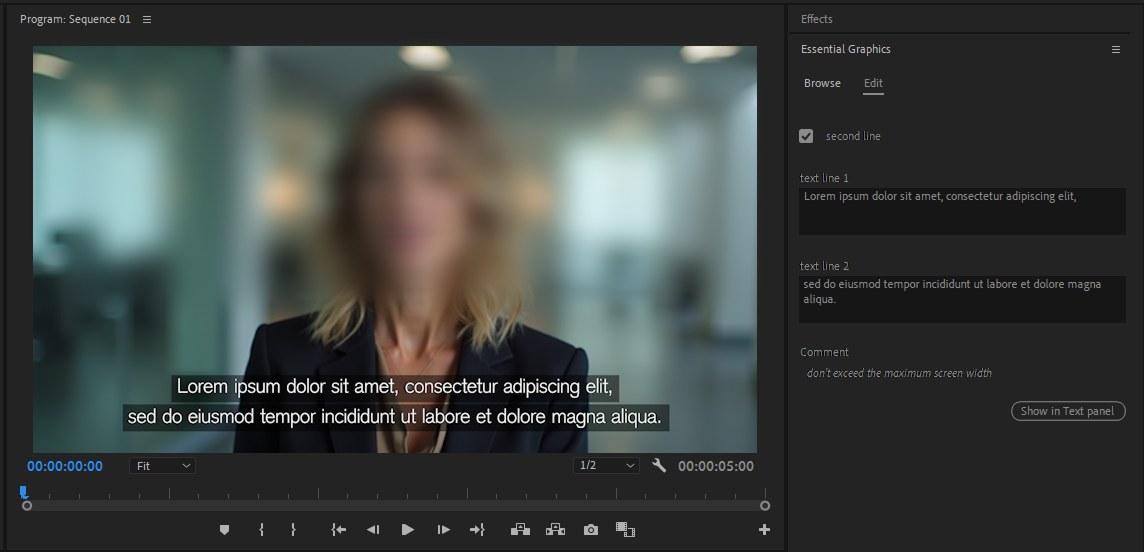
The explainer videos were animated primarily using Adobe After Effects, with the Duik plugin for character rigging, making animation smoother and more efficient. For final compositing, Adobe Premiere Pro was occasionally used to refine and polish the edits. Illustration assets were created and prepared in Adobe Illustrator, ensuring well-structured layers for import into After Effects. Additionally, InVision was sometimes utilized for brainstorming and presenting ideas to stakeholders.
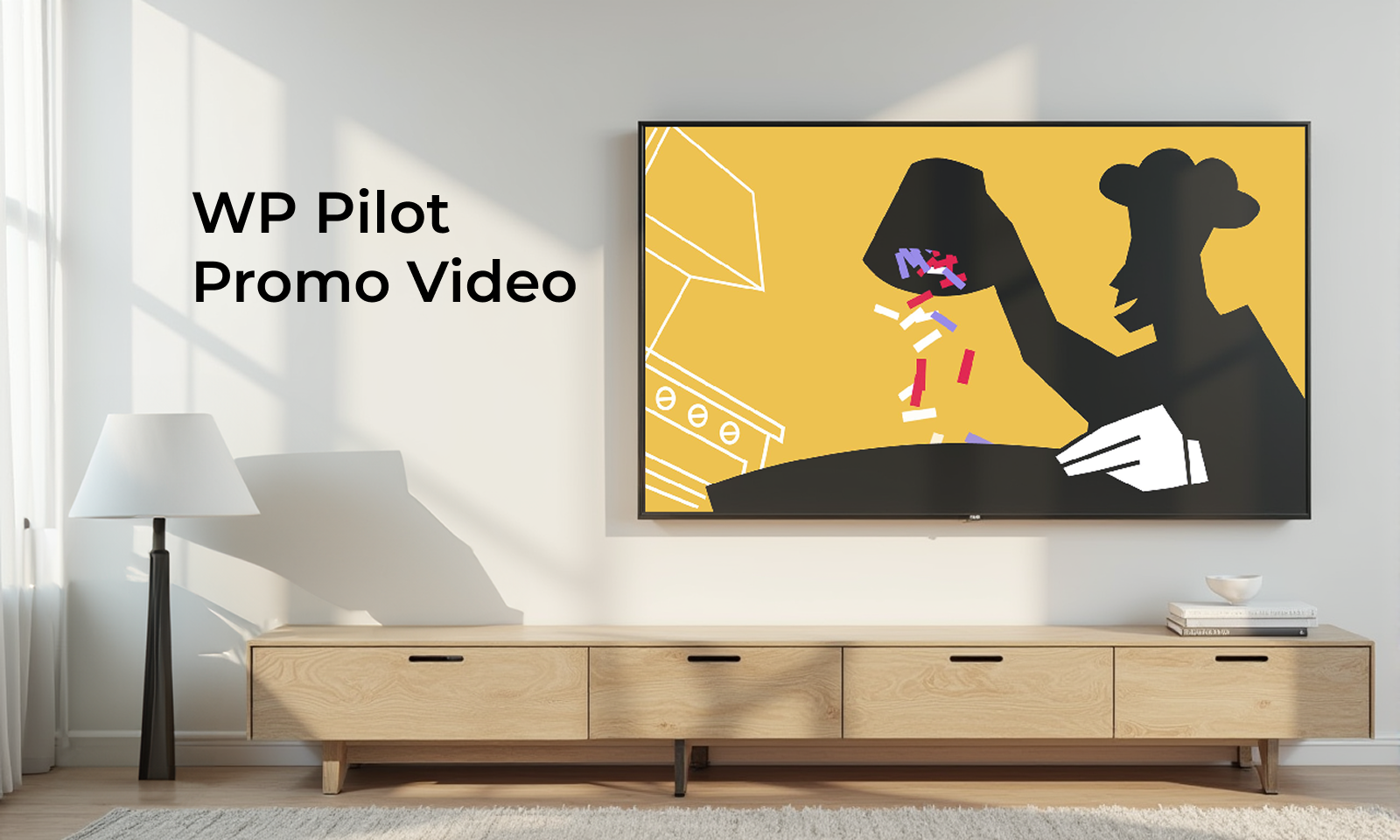
Explainer videos - EnterpriseD
An animated video explaining an internal policy and introducing the related employee tool.
Application teaser - CSX app
An animated video showcasing the new features of the CSX application following a major update.
Events and interviews
I was responsible for project management, stakeholder communication, video editing, compositing, animation, sound editing, and feedback rounds.
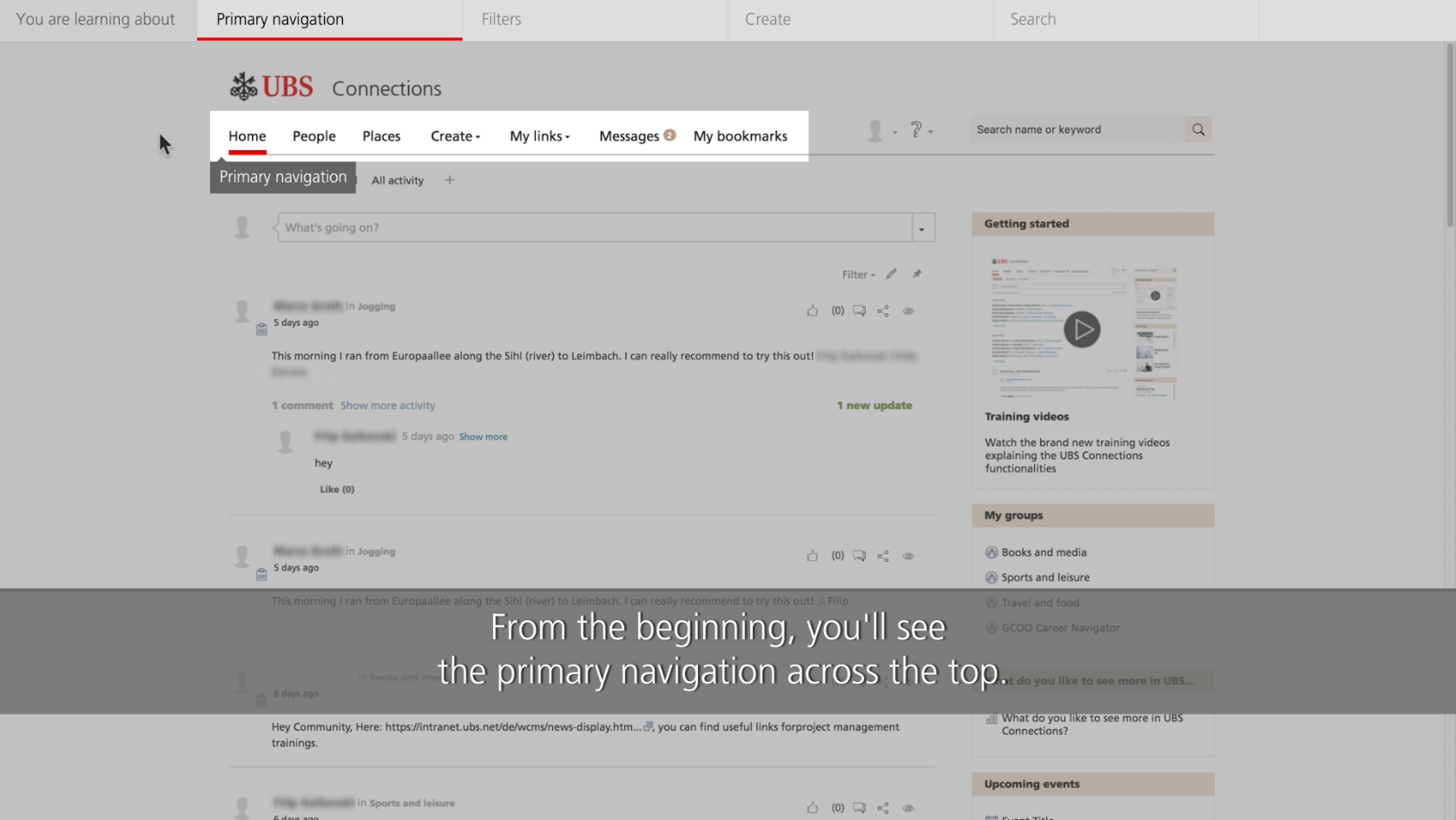
Tutorial videos
My responsibilities included project management, client communication, video recording and editing, compositing, animation, voice-over direction, and feedback rounds.